Wednesday 1:40 PM - 2:50 PM · Room S105a
Designing Effective Feedback Systems for Measurable Business Impact

Christian Buckley
RD+MVP | Award-Winning Product Marketer & Tech Evangelist | Host of the #CollabTalk Podcast, #ProjectFailureFiles, #GoM365gov & #M365AMA series
Collecting feedback is easy—turning it into meaningful action is the challenge. In an AI-driven workplace, IT and change managers must build scalable, repeatable feedback systems that provide real insights into user engagement, adoption, and ROI. This session explores practical strategies for designing and implementing effective surveys, polls, and discussions. Learn how AI-driven analytics, Microsoft tools like Forms, SharePoint, and Viva Engage, and structured feedback loops can enhance decision-making and drive business value.
Key Takeaways:
- Design scalable feedback mechanisms that generate actionable insights.
- Use AI and analytics to measure impact and improve adoption.
- Select the right tools—surveys, polls, and Microsoft platforms—for targeted feedback.
- Align feedback with business goals to maximize value. This session equips you with the tools and strategies to turn feedback into a driver of organizational success.
Thursday 4:00 PM - 5:10 PM · Room S102a
Integrating Forms with Teams for Real-Time Responses

Brian Alderman
Six-year MVP Alumni, 28-year MCT, Author, Speaker, Consultant
Do you ever wonder what your Microsoft Team members are thinking or what their thoughts are on a specific topic or initiative? Microsoft Forms is a powerful and versatile tool that allows you to create surveys, quizzes, and polls that can be responded to by your Team members which allows you to view real-time responses from your participants. These results can then be exported to an Excel spreadsheet for additional analysis, and to generate some neat visual charts or graphs using Power BI.
In this session we are going to introduce and discuss the different types of uses for Forms, how to create a form on a Microsoft Teams channel, explore the configuration options for these forms, as well as how to export the results for use in other Microsoft products, like Power BI.
Thursday 4:00 PM - 5:10 PM · Room S105a
Unlocking the Power of Microsoft Loop: New Features and Seamless Integrations
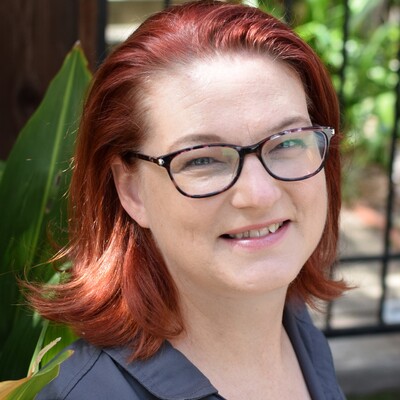
Tiffany Songvilay
AI Workforce Lead | Global Tech Lead, Copilot Adoption Program | Avanade
Join us for an introductory session where we dive into the latest updates and features of Microsoft Loop. This session will provide an introduction to the stand-alone Loop tool and explore its seamless integration with other Microsoft applications such as Copilot Pages, Teams, and OneNote. Whether you're new to Loop or looking to enhance your productivity with its new capabilities, this session is designed to provide valuable insights and practical tips.
What you will learn:
- How Microsoft Loop's new features and integrations can significantly improve collaboration and productivity within your team.
- Discover how Loop seamlessly integrates with Copilot Pages, Teams, and OneNote, providing a unified experience across different applications.
- Gain practical insights and best practices for using Loop to its full potential, ensuring you get the most out of this powerful tool.
Friday 10:20 AM - 11:30 AM · Room S102bc
Jump‑Start Your Journey with Power Pages
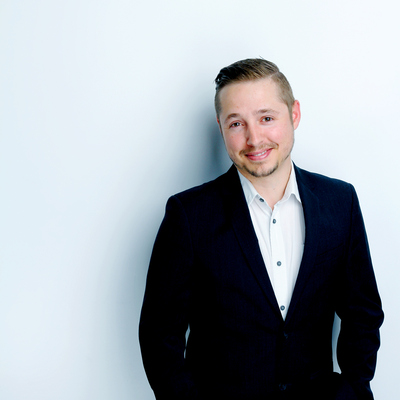
Luc Labelle
CEO at Kabesa (MVP, MCT)
Ready to build secure, data‑driven websites without writing a single line of code? In this fast‑paced introductory session, you’ll discover how Power Pages empowers teams to design, customize, and launch professional web experiences directly on top of Microsoft Dataverse. We’ll walk through the essentials creating your first site, navigating the Power Pages Studio, connecting to data, customizing layouts, and applying branding all based on real‑world patterns used in foundational Power Platform training. You’ll also see how to securely share your site, manage permissions, and publish updates with confidence. Whether you’re a maker exploring your first web project or an organization looking to open your data to customers, partners, or employees, this session gives you everything you need to get started quickly and build with impact. You’ll leave with the skills and inspiration to create your own fully functional Power Pages site in minutes.
Friday 1:50 PM - 3:00 PM · Room S103a
Reduce SharePoint and M365 Support Tickets by Seeing Real Time Heatmaps and Session Recordings

Asif Rehmani
CEO at VisualSP
Stop guessing what your users need and start seeing it. While surveys only tell you what people remember, behavioral analytics show you the truth.
In this session, we will use Microsoft Clarity to see rage clicks, dead clicks, and navigation hurdles in SharePoint and M365 apps with heatmaps and session recordings. You will learn how to turn these insights into better training programs and more efficient support workflows, ultimately reducing your help desk volume and improving digital adoption.