Microsoft 365, Copilot, SharePoint, Teams,
Power Platform, Viva & Azure Conference
Power Platform, Viva & Azure Conference
Choose from over 150 Sessions and Workshops in Multiple Tracks!
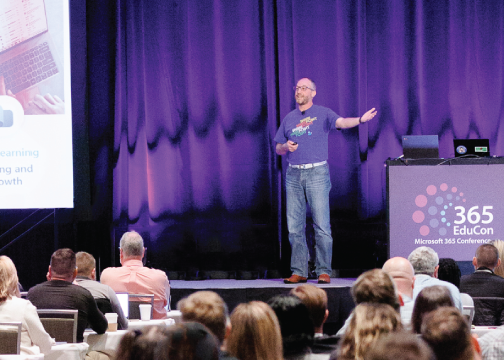 Microsoft TechCon 365, Microsoft 365 Conference, brings to you the world’s leading experts in Microsoft 365, Copilot, SharePoint, Power Platform, Microsoft Teams, Microsoft Viva and Azure.
Whether you are new to Microsoft 365, Copilot, Power Platform and SharePoint or an experienced power user, admin or developer, TechCon365 has content designed to fit your experience level and area of interest. Our workshops and sessions are taught by Microsoft Certified Trainers, Microsoft MVPs, Microsoft Regional Directors and Microsoft engineers.
At Microsoft TechCon 365, a Microsoft 365 Conference, subject matter is divided into tracks and each session is designated for beginner, intermediate, advanced or expert. Tracks are offered for the following subjects: Microsoft 365 Apps, SharePoint, Azure / 365 Development, Microsoft Teams, Power Apps, Content Management, Power Users, Business Value, Implementation/Administration, Power Automate (Flow)/Workflow, Power BI - Business Intelligence, SharePoint Development, and more. Choose one complete learning track or mix and match based on what content best meets you and your organization’s current needs!
Great Reasons to attend TechCon 365, a Microsoft 365 Conference:
Choose from Multiple Tracks!
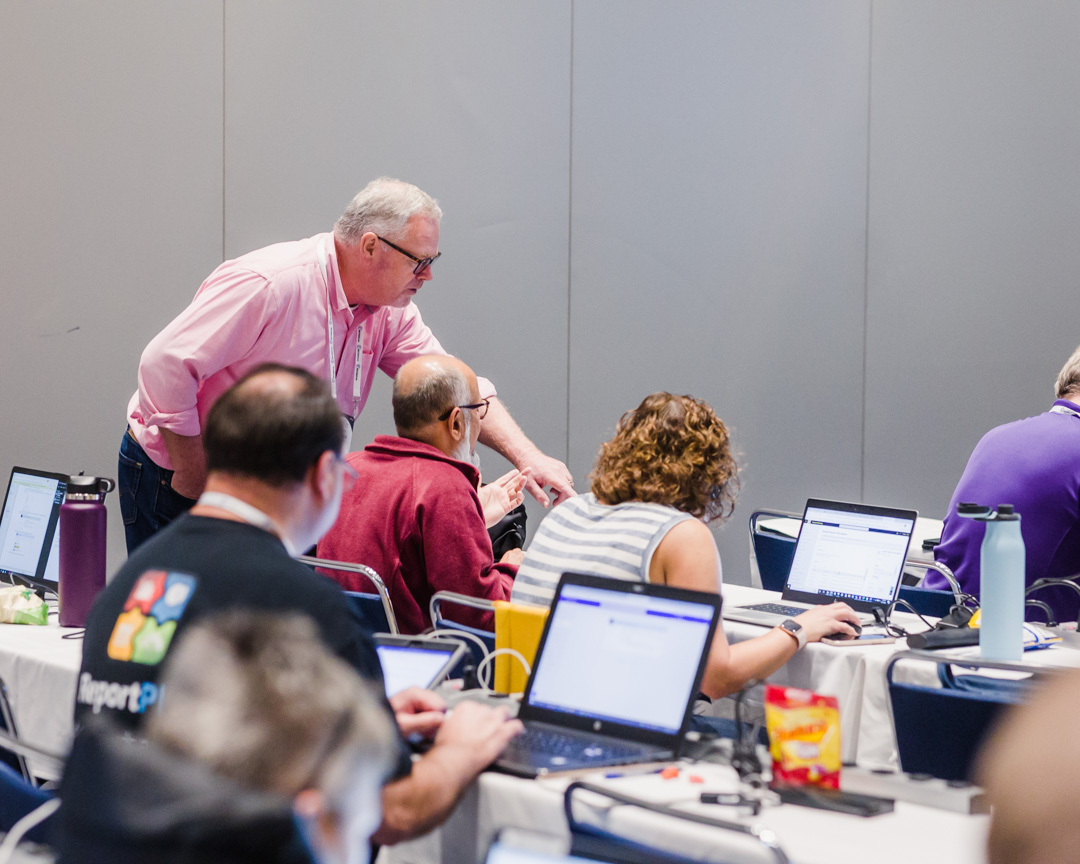
Content Management Track: Sessions in this track will focus on Content Management as it relates to SharePoint and Microsoft 365 technologies. Included in this track will be sessions on OneDrive, Extranets and Microsoft Viva.
Intranet & Portals Track: Sessions in this track will focus on Information Architecture and the construction and maintenance of enterprise and organization internal communication capabilities through Intranets, Hub Sites, Communication Sites and Portals.
Power Apps Track: Power Apps are used to build custom business apps and forms through flexible connections to data in Microsoft 365 and more. Power Apps also address business demand for mobile apps by creating solutions that work across a variety of devices. Sessions and workshops in this track range from beginner to advanced.
m365 Apps Track: This track focuses on modern tools like Loop, Lists, OneNote, OneDrive, Planner, To Do, and more, helping you streamline workflows and foster innovation. Explore how these apps work together to keep teams connected, projects on track, and information organized.
Azure AI Studio Track: This track dives deep into Azure AI Studio—the unified platform for designing, evaluating, and deploying generative AI applications at scale. Sessions explore model orchestration, prompt engineering, grounding, safety evaluations, content filters, retrieval augmentation, and integration with enterprise data. Learn how to use Azure AI Studio to manage your entire AI lifecycle: from experimentation and testing to deployment and monitoring in production. Whether you're a developer, data scientist, or architect, this track equips you with the knowledge to build secure, responsible, and high-performing AI solutions on Azure.
Copilot/AI Track: Explore how AI-driven tools like Copilot enhance productivity, collaboration, and decision-making in the workplace. Discover innovative applications, best practices, and the future of AI integration in various business sectors.
Microsoft Copilot Agents Track: This track is crafted for developers, makers, and architects who want to get hands-on with agentic AI. Learn how to design Copilot Agents that plan, act, collaborate, and integrate with real data and APIs. Sessions cover best practices for function calling, tool usage, memory, safety, testing, and monitoring agent behaviors in production. Explore demos and case studies showcasing how Copilot Agents simplify workflows across productivity apps, business operations, and custom enterprise scenarios. If you want actionable guidance on building reliable agents with today’s leading AI platforms, this track is for you.
Microsoft Copilot Studio Track: The Copilot Studio track offers in-depth sessions on customizing and extending Copilot for Microsoft 365. Topics include building custom copilots, using Azure OpenAI, integrating with Microsoft Graph, and creating AI-driven solutions to enhance productivity. Sessions cover both low-code and pro-code development to cater to a variety of experience levels.
Security, Governance & Compliance Track: Explore how to strengthen security, enforce governance, and meet compliance requirements across Azure and Microsoft 365. This track covers identity protection, data security, threat detection, and risk management using Microsoft’s integrated security stack.
Power User (low-code/no-code, Team site owner): The Power User track offers a series of workshops and sessions aimed at enabling business analysts, information workers, and SharePoint/Teams power users to build and automate solutions without writing traditional code. Altogether, the track is designed to help non-developers leverage the full power of Microsoft 365, from Lists and SharePoint to Dataverse, Power Apps, and AI-driven automation, to build scalable, efficient, and modern business solutions.
Microsoft Teams Track: Sessions in this track introduce the new capabilities of the Microsoft Teams platform and empower you to maximize adoption of Teams in your organization. Covered in this track will be Tips and Tricks, Use Cases (including using Teams for Agile projects), building custom solutions on Teams, and integrating Teams with SharePoint and other Microsoft 365 apps and services.
Business Value Track: Sessions in this track will focus on calculating the ROI and investment considerations for SharePoint and Microsoft 365 as well as solutions that drive business value.
Azure / m365 Development Track: Sessions in this track explore the new development functionality available to Microsoft 365 developers with Azure Functions, Azure Active Directory, Microsoft Graph, and Cognitive Services.
Search Track: Sessions in this track will focus on Search as just one of several major categories of capabilities in SharePoint, but also will focus on Microsoft Search. Discussed in this track will be SharePoint Search, Microsoft Search, Microsoft Graph Connectors and AI.
Power Automate Track: Sessions in this track will focus on Microsoft Power Automate to create automated processes and workflows, work with large data sources, synchronize files, collect data and get notifications. Additional workflow solutions and techniques will also be addressed.
Power BI Track: Sessions in this track will focus on Microsoft's Business Intelligence technologies and their application to users of the Power Platform and Microsoft 365. Sessions will cover all levels of expertise from introductory to advanced user topics.
Implementation & Administration Track: Sessions in this track will focus on topics necessary for all SharePoint and Microsoft 365 administrators throughout the planning, implementation, and management phases of their internal SharePoint and Microsoft 365 deployments. Topics in this track include authentication, performance, recovery and storage management.
SharePoint Developer Track: Sessions in this track will focus on how software developers can use the SharePoint business collaboration platforms to build enterprise-class solutions and apps for intranet portals and the web.
Teams Developer Track: Sessions in this track cover building custom solutions on Microsoft Teams, and integrating Teams with SharePoint and other Microsoft 365 apps and services.
Special Topics Track: Sessions in this track are on topics outside the scope of the other tracks but are still related to SharePoint or Microsoft 365.
10%-20% off Groups!
Contact us for group discount information